YAMLess - Swagger UI, but you also edit the spec
Edit OpenAPI in Swagger UI, then save and load specs via GitHub Gists.
Swagger UI is great for exploring APIs, but the spec is read-only. To change paths, schemas, or parameters you jump to another editor and keep two views in sync.
YAMLess is a fork of Swagger UI. It keeps the same layout and try-it-out flow, but adds inline edits that update the OpenAPI document in place.
- Live demo: devfros.github.io/yamless-editor
- Source: github.com/devfros/yamless-editor
Save with GitHub
Sign in with GitHub to store your spec in a Gist and load it back later.
Walkthrough
Starting from a clean demo:
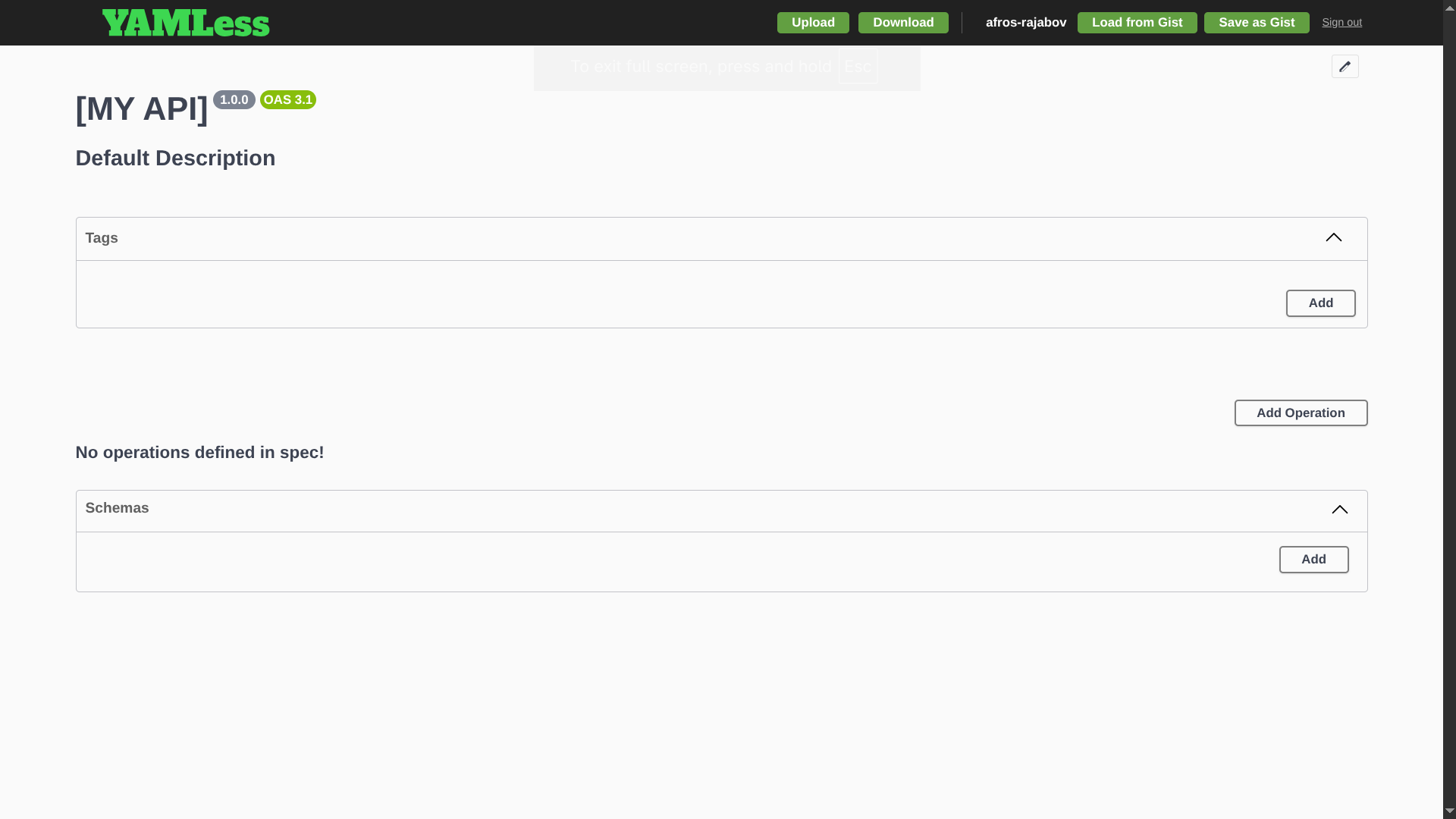 Petstore demo with the usual Swagger UI layout.
Add a schema from the UI:
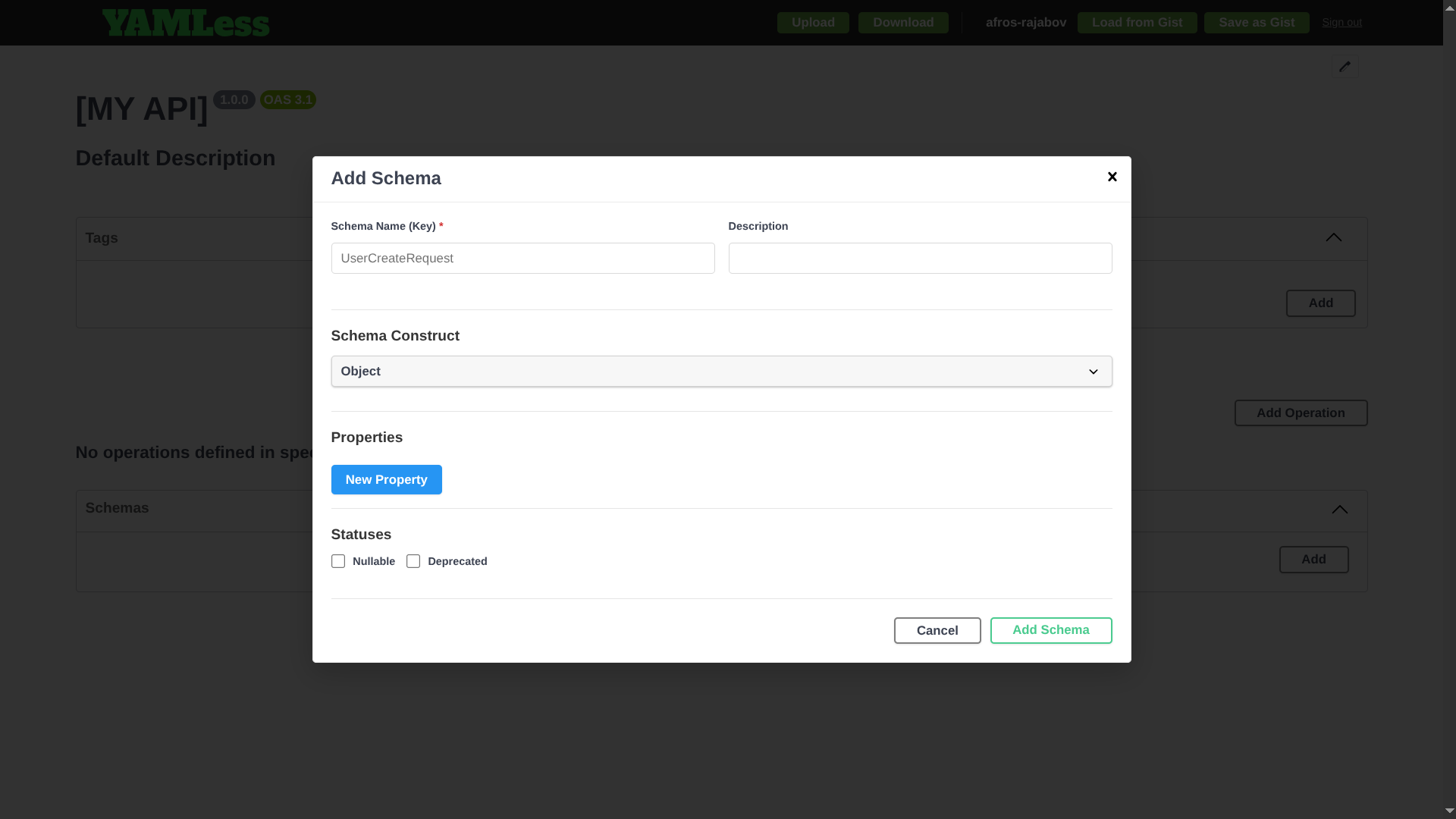
Add a tag:
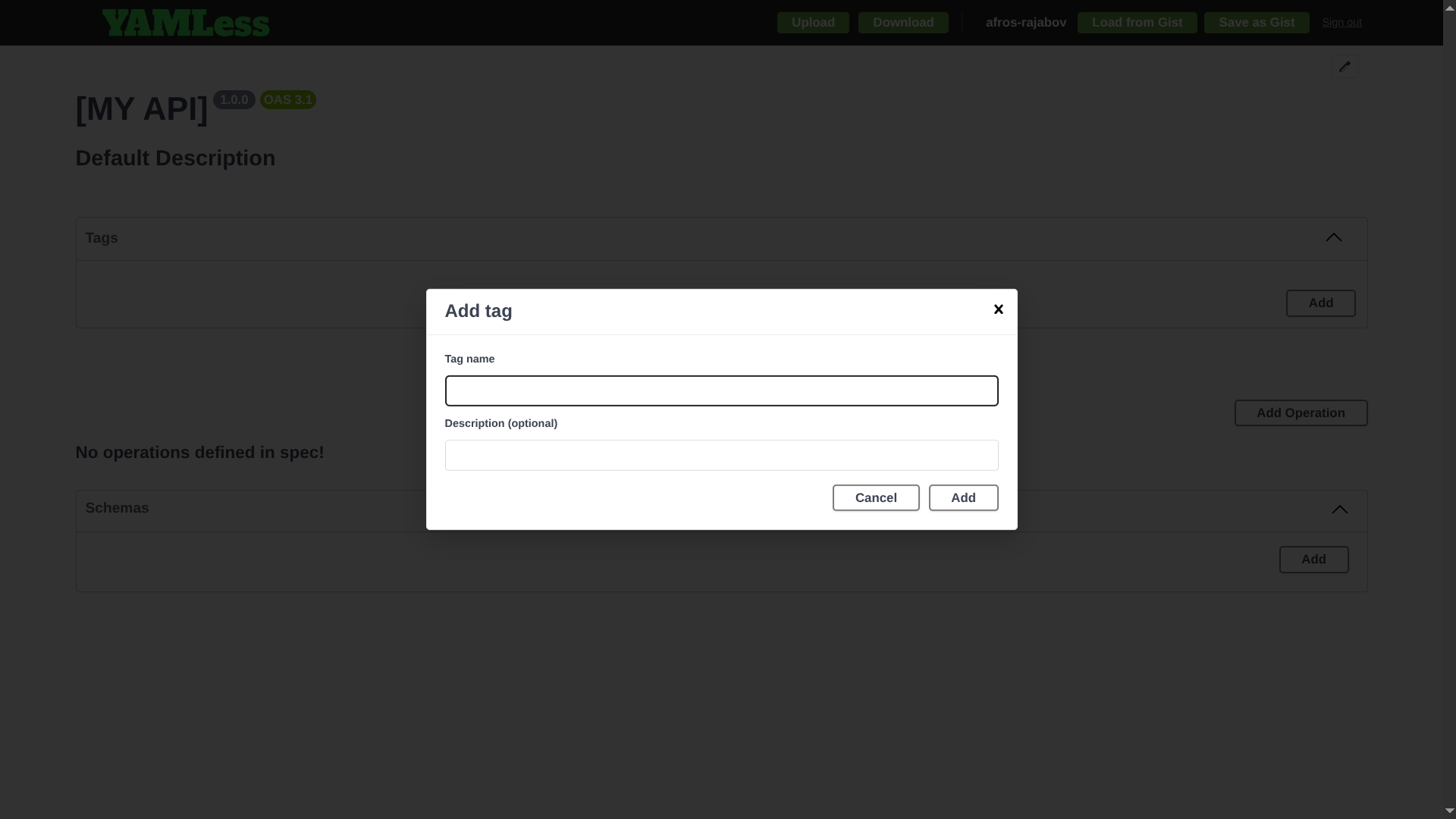
Add an endpoint:
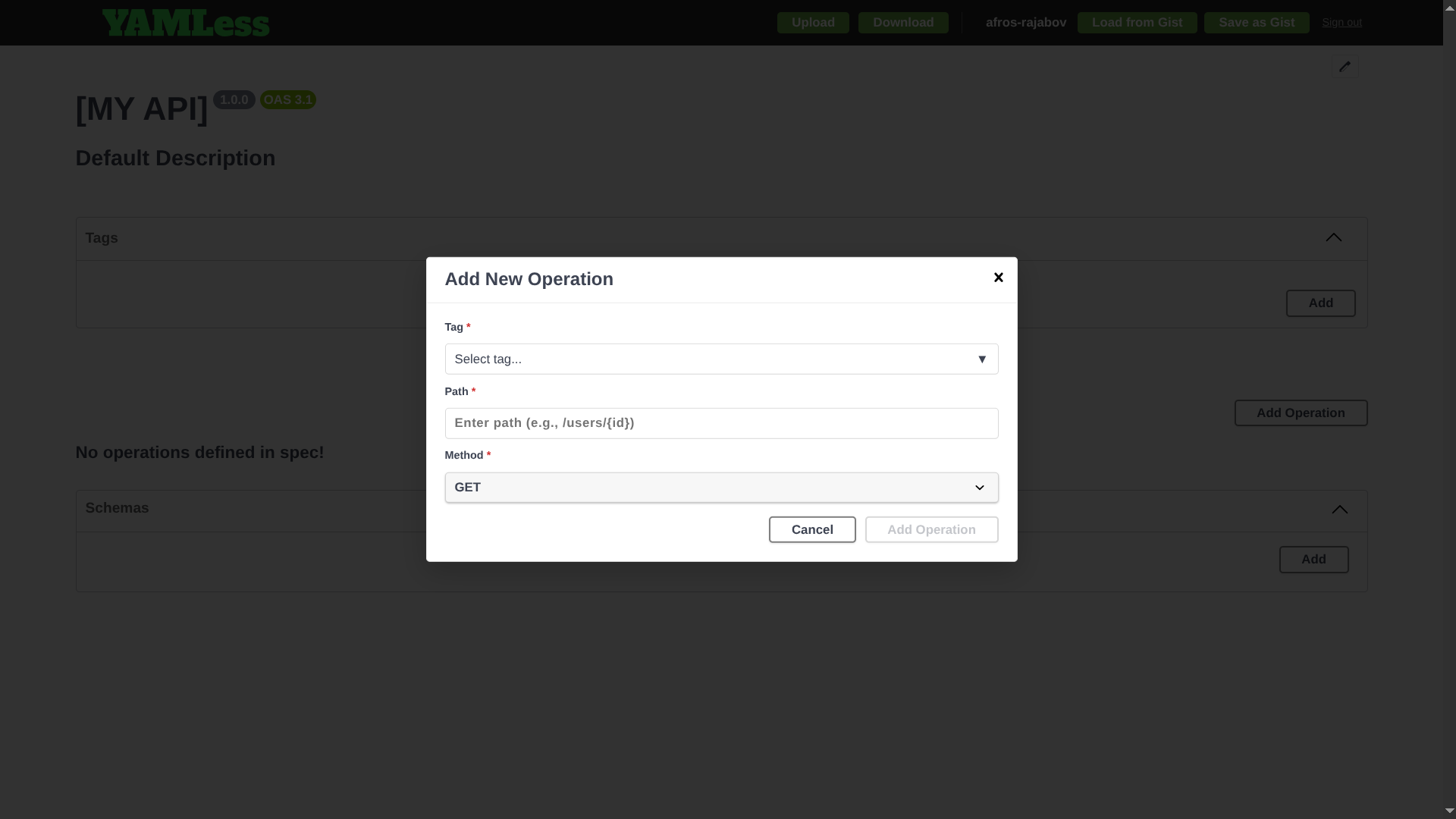
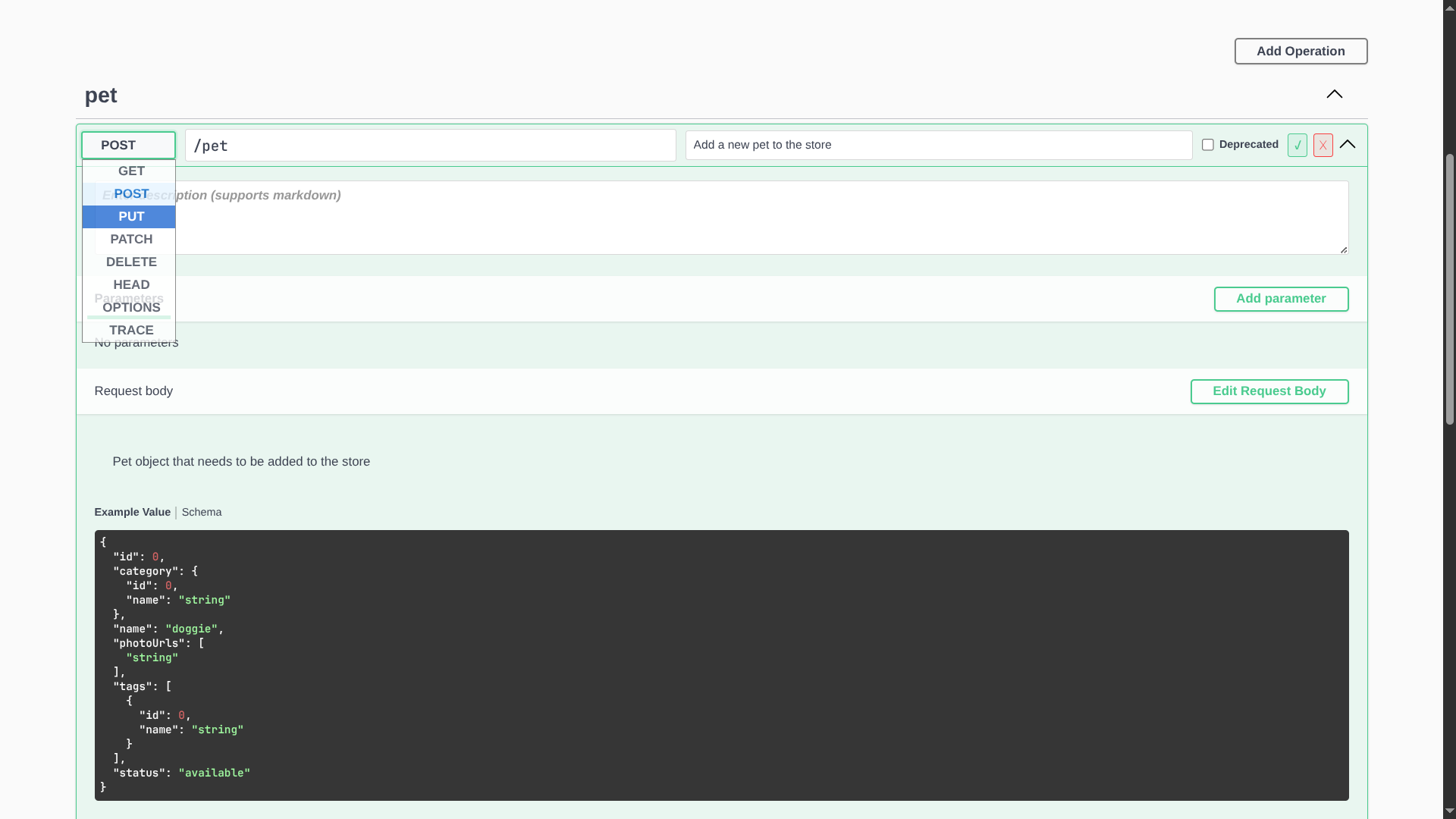
Edit an existing endpoint:
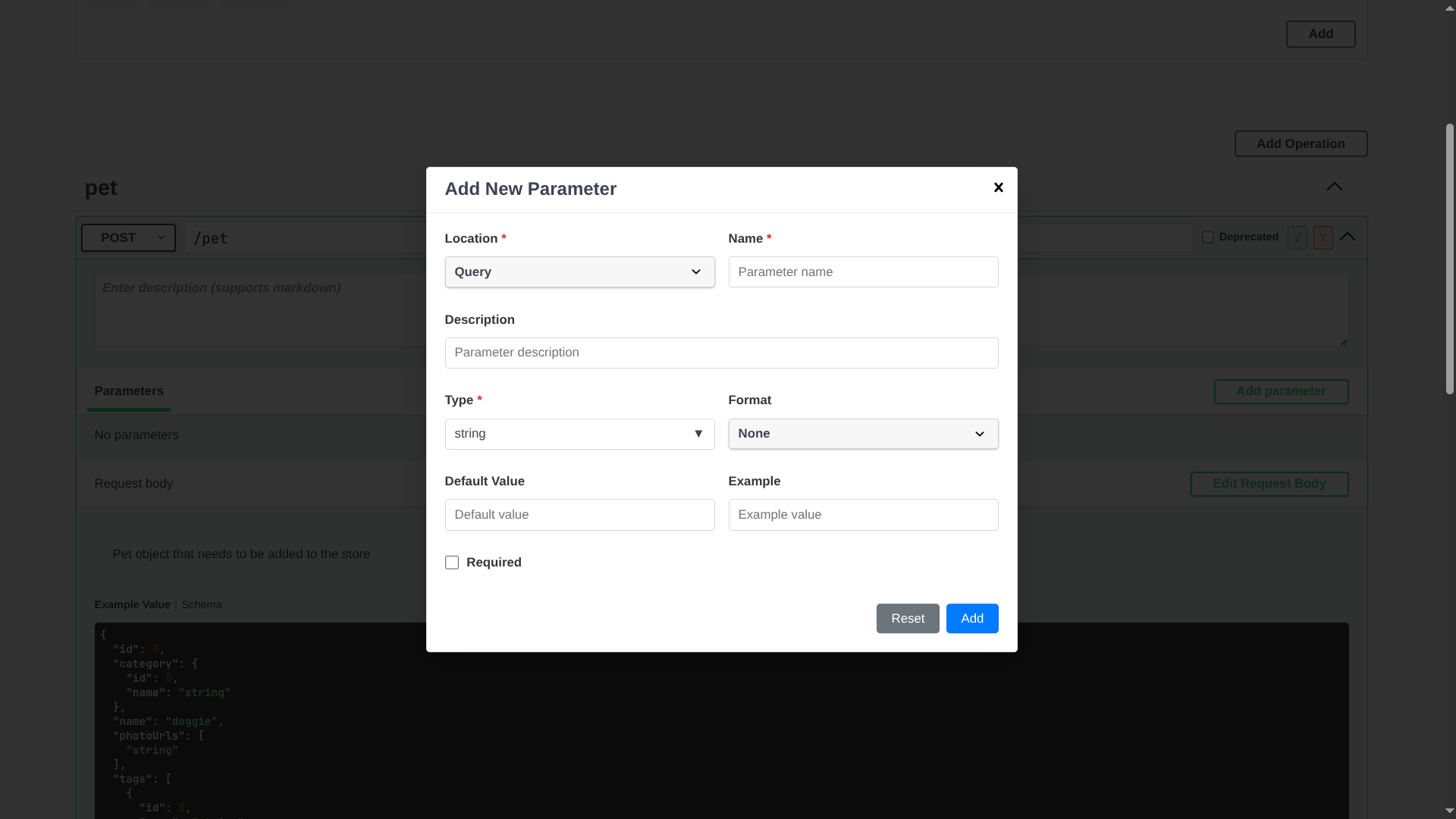
Add a parameter:
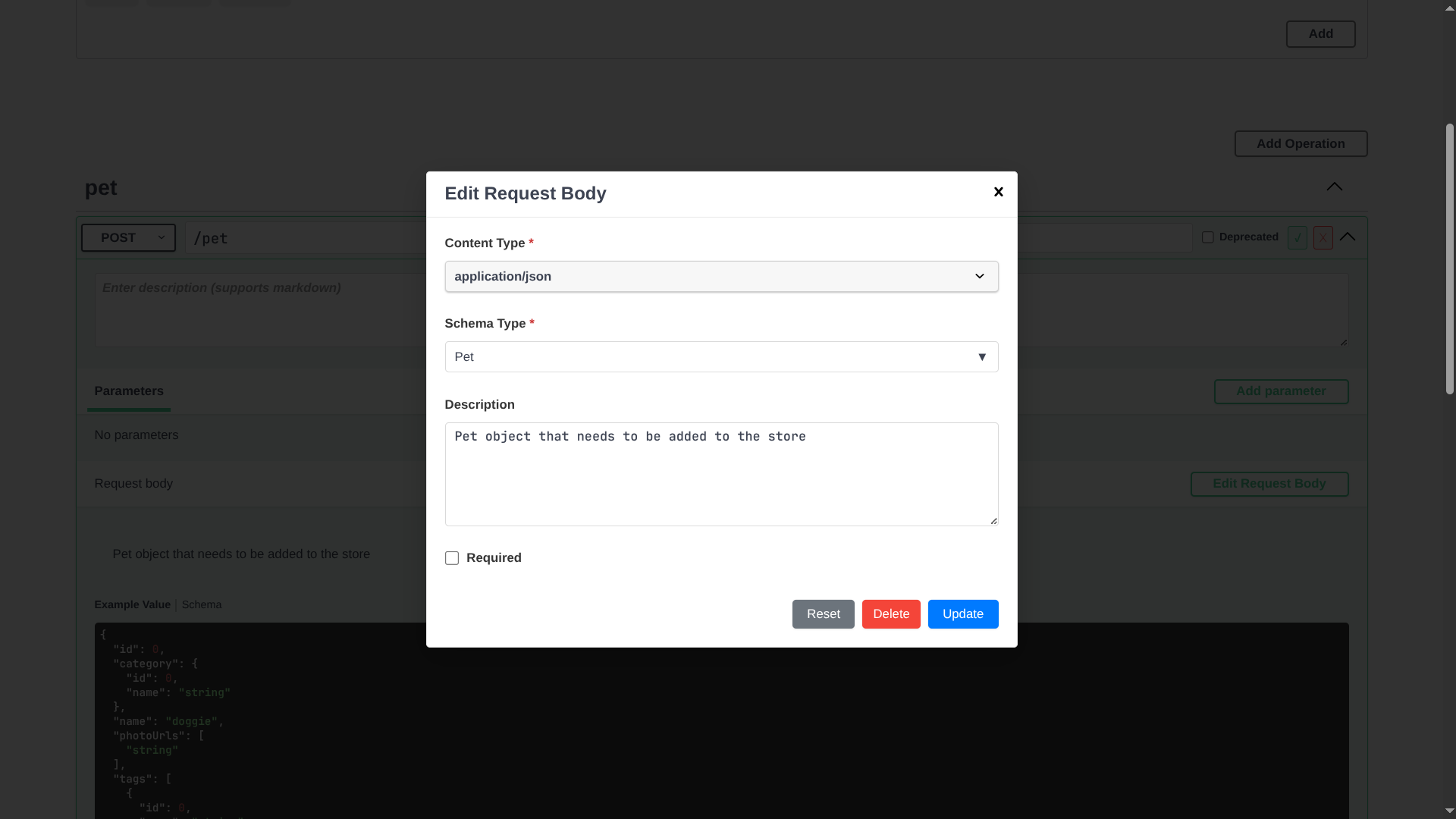
Edit the request body:
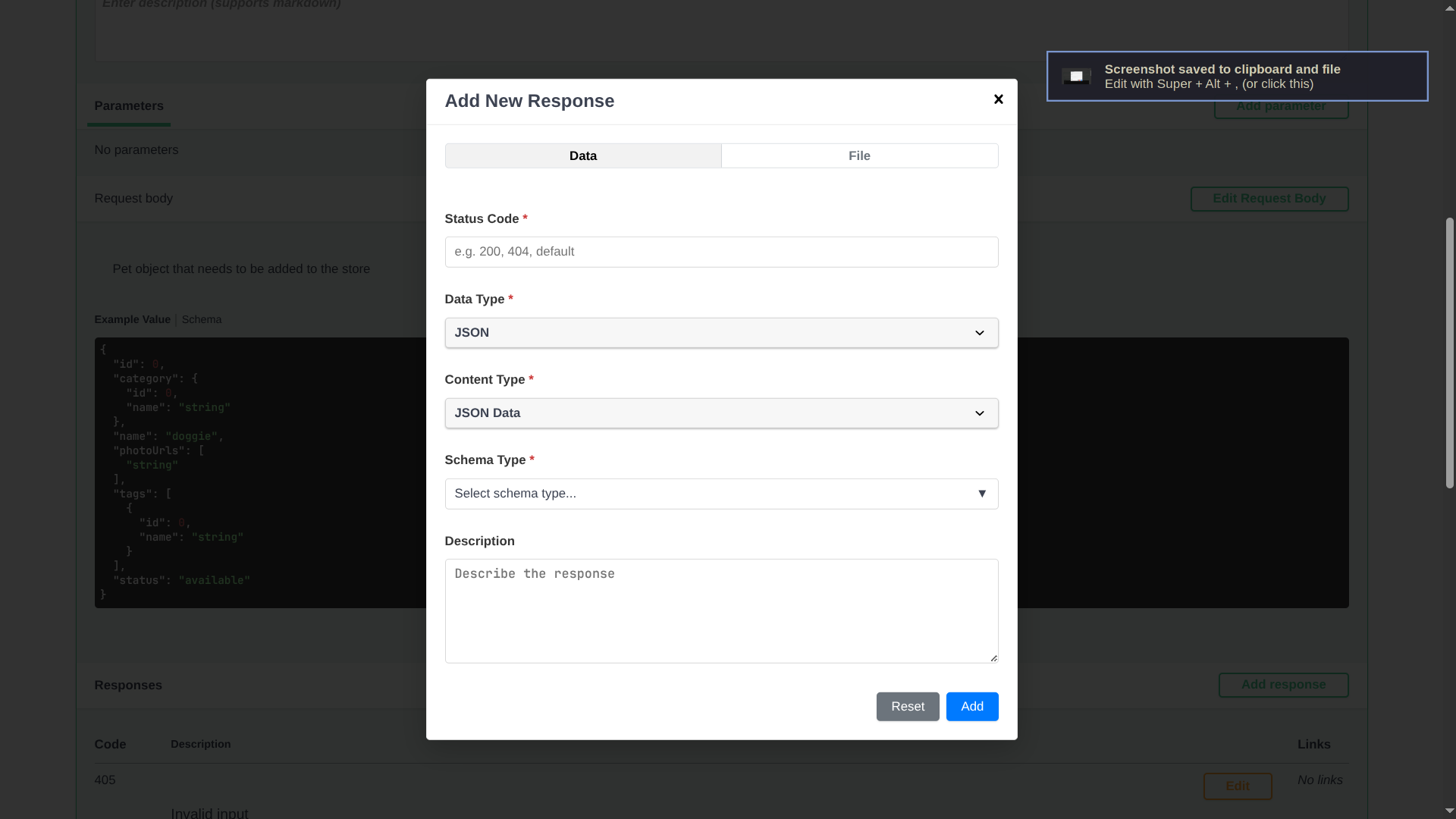
Add a response body:
Wire in a new schema:
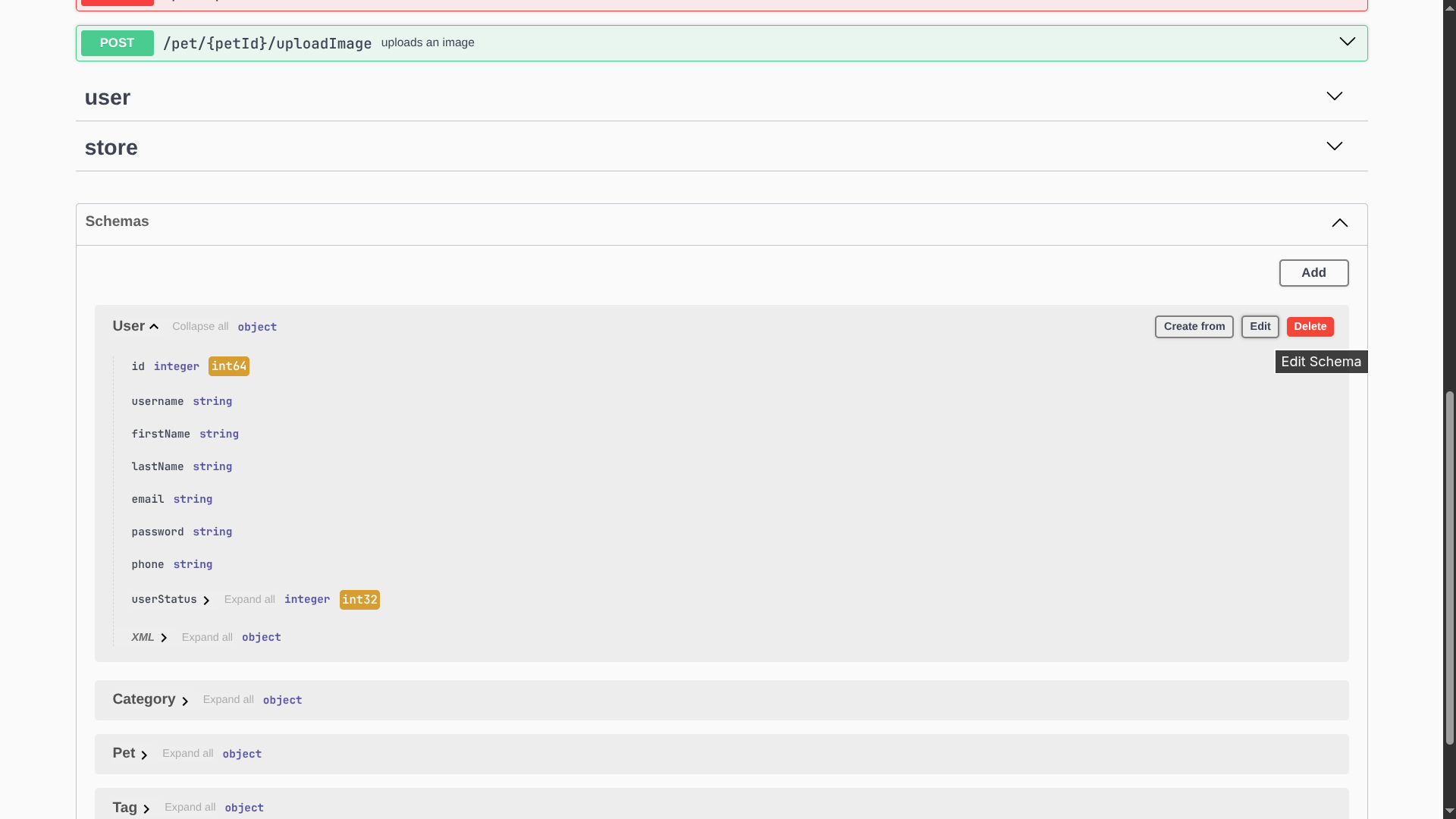
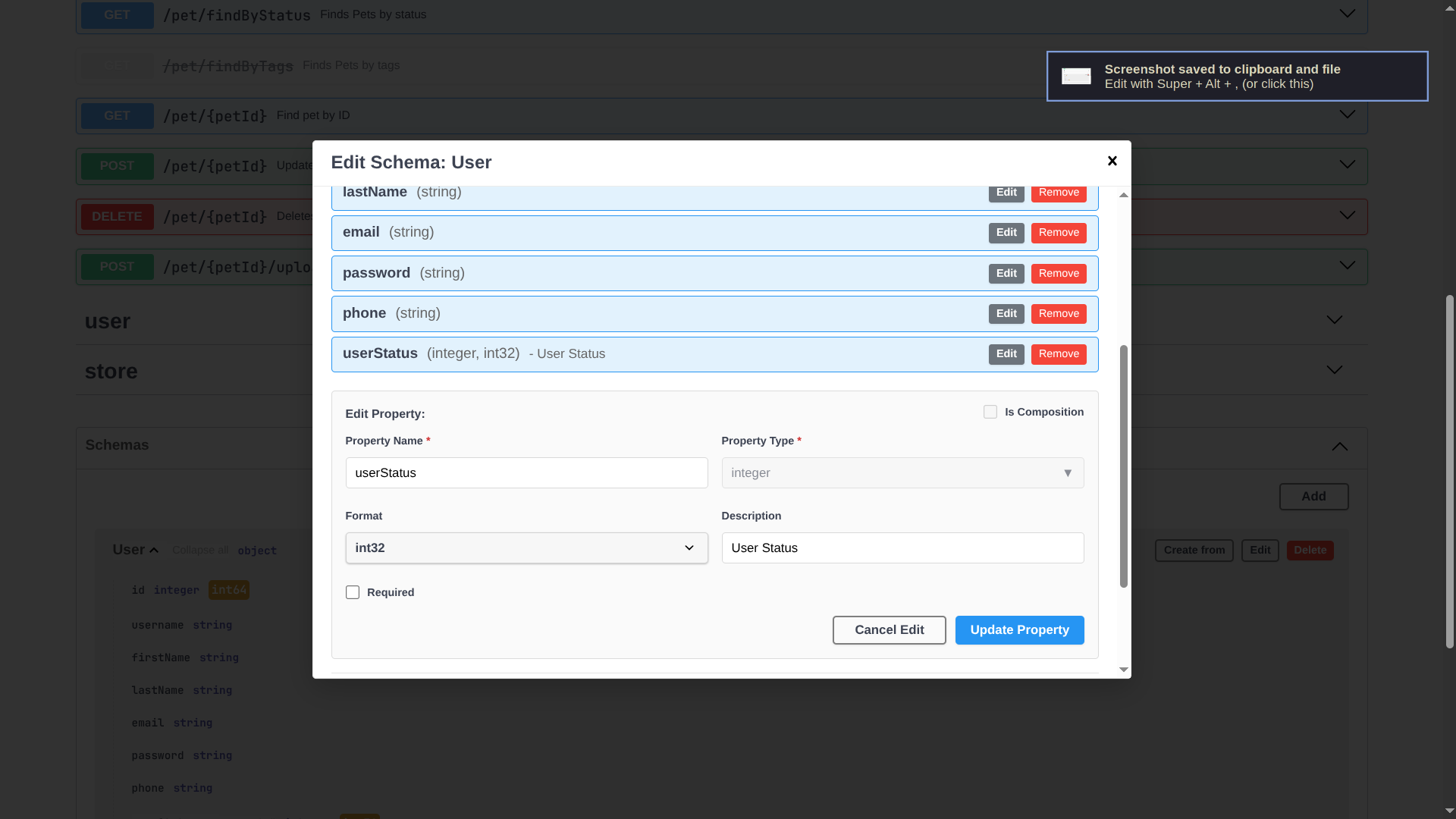
Edit schema fields:
Why I built it
I wanted something lightweight for quick API design sessions. If that sounds useful, try the demo and open an issue or PR on the repo.